

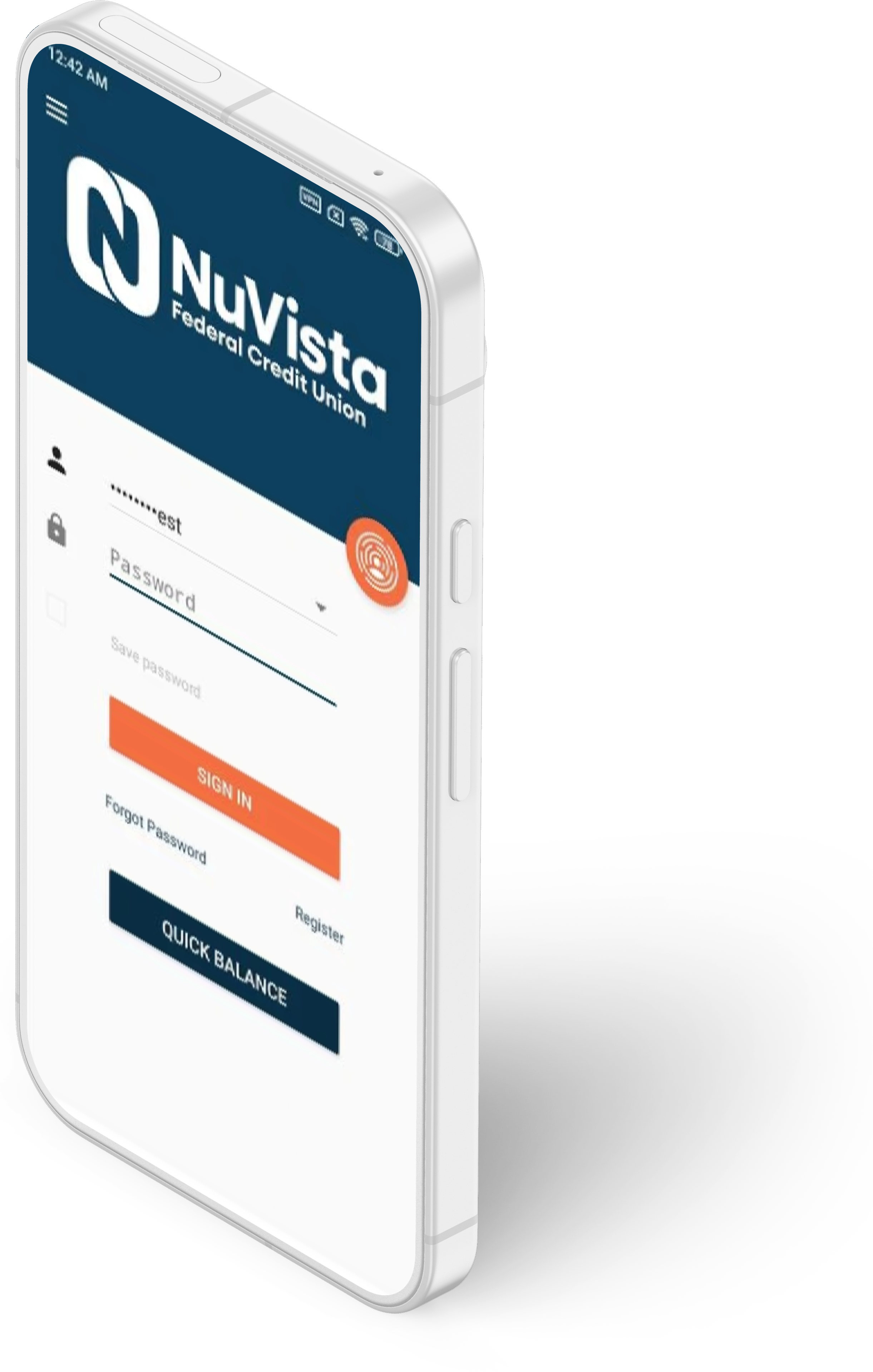
Do it all from your phone
Check balances, transfer money, pay bills, deposit checks, set alerts, and message us—fast and secure.
First time user? Sign up for Online Banking in a browser, then use those credentials to sign in to the app.
What you can do
Key features
Quick Balances
View balances and detailed transactions.
Transfers
Transfer between NuVista accounts and external accounts.
Bill Pay
Schedule one-time or recurring payments.
Spending Tools
Track spending and manage your budget.
Card Controls
Lock/unlock and manage travel notices.
Alerts
Balance, transaction, and security notifications.
Secure Messaging
Message with our local team.
ATM Locator
Find branch and CO-OP ATM locations.
Mobile Deposit
Deposit checks with your camera.
Deposit checks in the app
Mobile Deposit
Instantly deposit checks with your smartphone camera using our Mobile Deposit feature.
How it works
- Open the app and choose Mobile Deposit.
- Enter the amount and select your NuVista checking account.
- Take clear photos of the front and back of the check.
- Submit and watch for on-screen confirmation.
Endorse the back and write “For mobile deposit only at NuVista FCU.” Keep the check for at least 30 days.
Limits
- Daily limit: $2,000 (up to 3 checks).
- Monthly limit: $5,000 (up to 10 checks).
- Funds are generally available within three business days; earlier at our discretion.
Security
- Face ID / Touch ID or device biometrics.
- Multi-factor authentication and device recognition.
- Encryption, timeout protections, and fraud monitoring.
Need help? Call (888) 261-7488 or stop by a branch.